A series of classes on Umbanda theology, created by Tom Barros and hosted by one of the *terreiros* (places of worship) that represents this religion in the city of Sorocaba.
For this project, I was not involved in the recording; I only worked on editing and refining elements to create an online course that is enjoyable to watch and follow.
In the presentation video above, you can get a glimpse of what took place during the event, but let’s go into a bit more detail here.
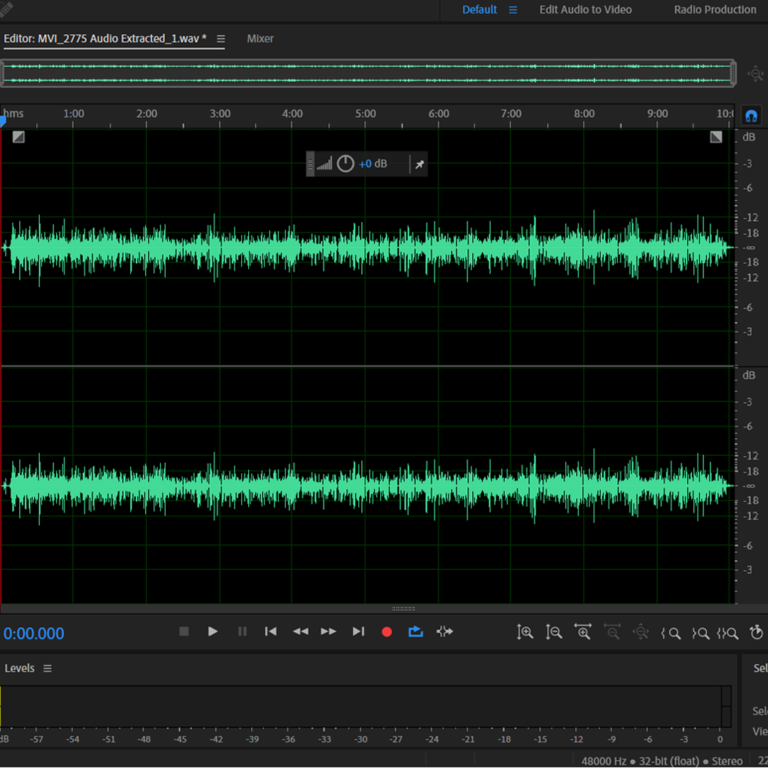
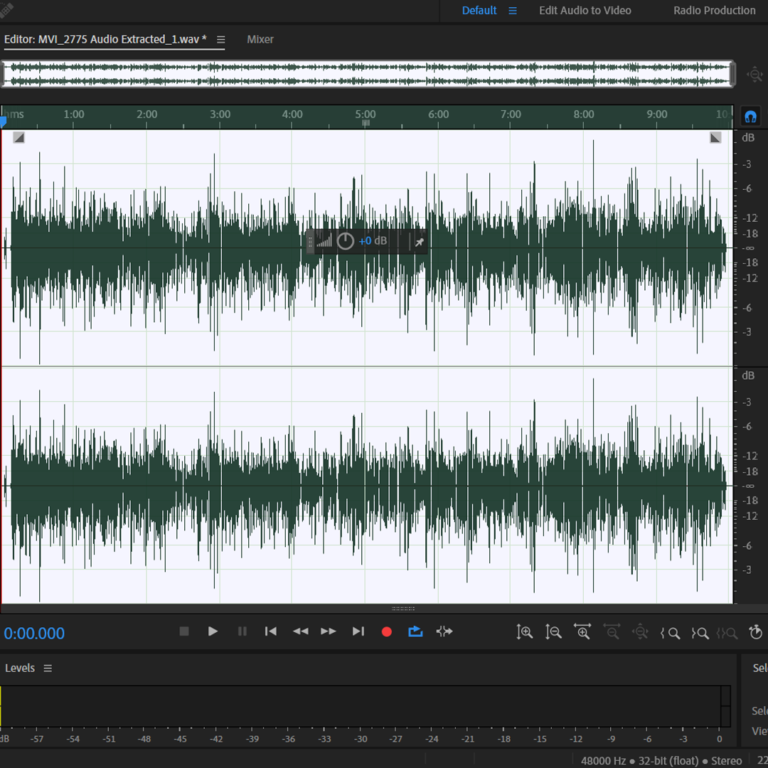
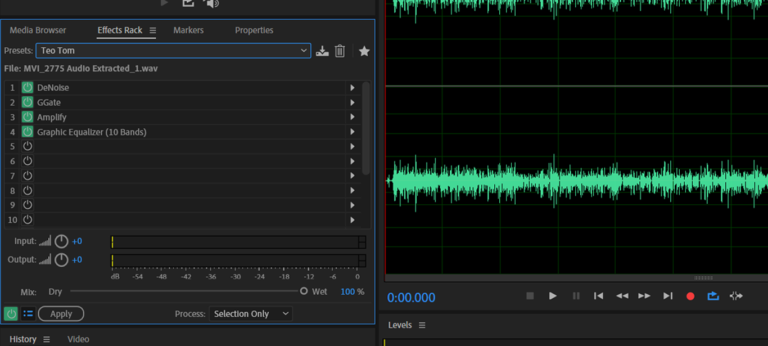
The audio correction was done using Audition, where I apply noise reduction, amplification, and equalization effects, as you can see here.
When applying this amplification, it is important to ensure that the teacher’s voice remains as clear as possible, while being careful never to reach the maximum decibel level—which would cause the recording to distort (or "clip")—a balance we monitor by observing the sound waves within the application.
Once the necessary levels of correction for the material and the recording environment have been established, I can create a preset of effects and settings to use later in other lessons.
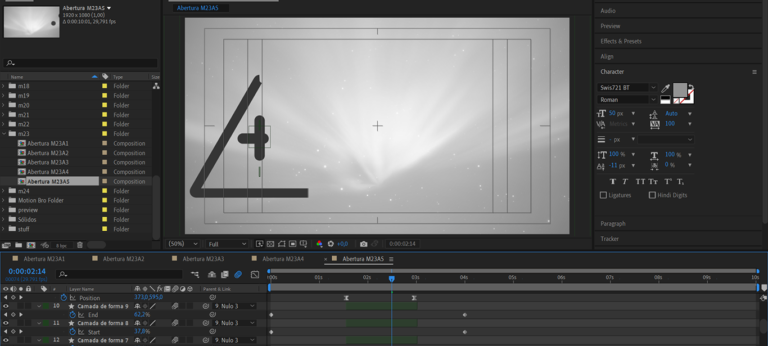
The introductory animation is also minimalist yet pleasing; it features a subtle transition of lines and positions, opening the video with information such as the lesson number and topic.