About me
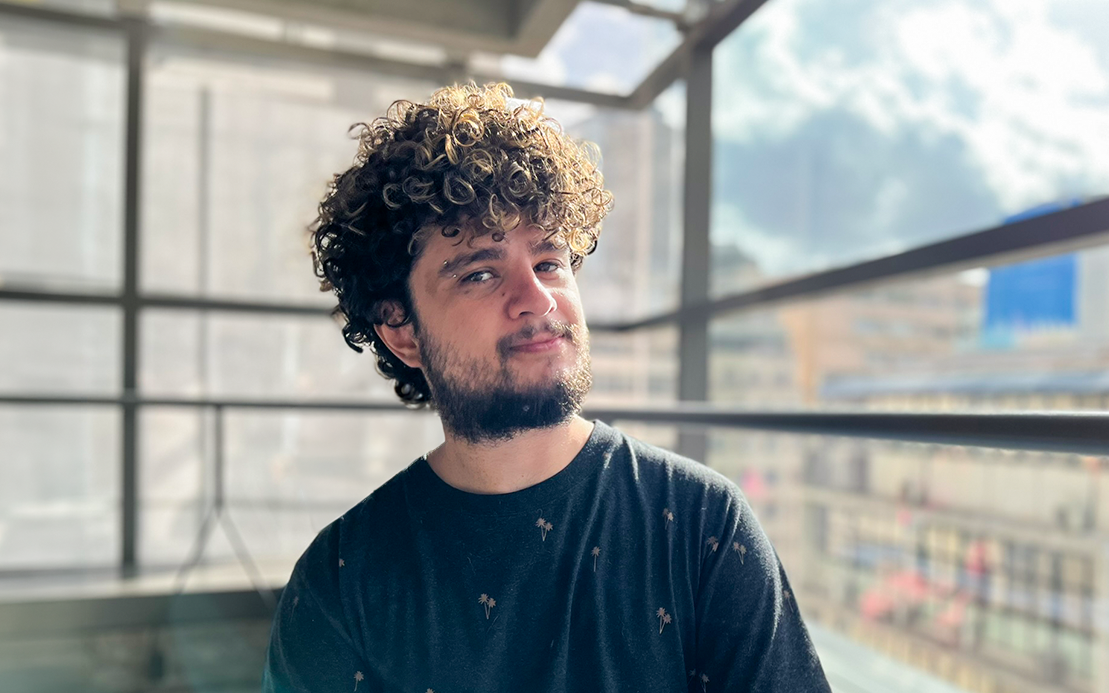
I have been passionate about the arts and technology since I was a child, consistently keeping up with market news and trends while honing my skills in various digital tools.
I have been working in graphic design for over 10 years, during which time I’ve done a bit of everything—from production work, branding, editing, and content capture to landing pages and front-end development.
I am currently specializing in interface and user experience, seeking to understand diverse concepts and how users perceive them through visual consistency, in order to apply the right methods and more effectively convey a strategic and assertive idea.
Ok so show me then!
Regardless of where we might be headed, it is always important to learn the various aspects of the visual process that can go into a project.
Por isso fiz questão de aprender em diversas oportunidades, se liga aqui algumas delas aqui.
Categories
How I do it
Gathering details
I study the market, categorizing stakeholders, clients, users, and exemplary competitors—because any great piece of work begins with the right references, a clear focus, and a solid brief.
Analyzing
Whether in a company or a small project, there will always be more than one stakeholder invested in its success; it is the collaborative and empathetic effort among these parties that will make it a success.
Developing as a team
Delivering the project effectively, while also utilizing feedback and performance reports from the materials implemented to further refine their potential.
Documentation and improvement
Successful businesses are recognized primarily for their consistency—whether in their products, services, or visual identity. For this reason, everything must ALWAYS be properly documented. Manuals, guides, and design systems provide the foundation for ongoing monitoring, driving both improvement and consistency.
Gathering details
I study the market, categorizing stakeholders, clients, users, and exemplary competitors—because any great piece of work begins with the right references, a clear focus, and a solid brief.
Analyzing
Whether in a company or a small project, there will always be more than one stakeholder invested in its success; it is the collaborative and empathetic effort among these parties that will make it a success.
Developing as a team
Delivering the project effectively, while also utilizing feedback and performance reports from the materials implemented to further refine their potential.
Documentation and improvement
Negócios de sucesso são reconhecidos principalmente pela sua constância. Seja em seus produtos, serviços ou em visual, por isso tudo deve ser SEMPRE documentado corretamente. Desde manuais de identidade visual, guias de boas práticas, até grandes design systems são o que criam base para a o acompanhando constante em busca de melhoria e consistência.
Where I do it
My greatest passion. A piece of software that brings together the best in user interface (UI) and user experience (UX) design, combined with agile tools for team collaboration and planning. The platform also incorporates new AI-powered tools that assist in creating interface sketches—which we can then easily develop into complete, robust systems.
Here I make: Mind maps, planning matrices, interface layouts, and graphic standardization documentation.
The primary tool for creating graphic compositions through image manipulation. This is where I spend most of my time translating briefs into vivid ideas. Generative AI tools assist here in creating details, expanding images, and producing unique visual effects.
Here I make: Posts, mockups, image crops, sketches, and compositions for projects.
The best software in my toolkit for creating complex, composite vectors—offering limitless possibilities for bringing visual identities and their associated assets to life.
Here I make: visual identities, detailed vectors, and vector mockups.
An incredible visual effects tool for videos that I’ve learned—and continue to learn—which I use primarily for motion graphics and social media posts, as well as for video FX.
Here I make: Vector animations, transitions, chroma key, and other visual effects.
Any paginated document or project should always go through this process to ensure consistency and practical organization of its content—a robust tool for providing the right look and readability for lengthy texts.
Here I make: multi-page printed materials in general, such as tabloids, magazines, and catalogs.
This is my primary hub for video editing; here, I bring together my raw creations, apply image corrections, and integrate effects produced on other platforms.
Here I make: video editing and cutting, lighting and color correction, integration with After Effects and Audition, simple transitions, and basic visual effects.
This is my go-to program for vector creation; I use it to design basic vector elements, as the tool offers a faster and more intuitive interface.
Here I make: simple vectors, icons, and image tracing.
I find in it everything I need for my audio editing to achieve better quality in my videos.
Here I make: Audio corrections and basic track edits.
Figma
My greatest passion. A piece of software that brings together the best in user interface (UI) and user experience (UX) design, combined with agile tools for team collaboration and planning. The platform also incorporates new AI-powered tools that assist in creating interface sketches—which we can then easily develop into complete, robust systems.
Here I make: Mind maps, planning matrices, interface layouts, and graphic standardization documentation.
Adobe Photoshop
The primary tool for creating graphic compositions through image manipulation. This is where I spend most of my time translating briefs into vivid ideas. Generative AI tools assist here in creating details, expanding images, and producing unique visual effects.
Here I make: Posts, mockups, image crops, sketches, and compositions for projects.
Adobe Illustrator
The best software in my toolkit for creating complex, composite vectors—offering limitless possibilities for bringing visual identities and their associated assets to life.
Here I make: visual identities, detailed vectors, and vector mockups.
Adobe After Effects
An incredible visual effects tool for videos that I’ve learned—and continue to learn—which I use primarily for motion graphics and social media posts, as well as for video FX.
Here I make: Vector animations, transitions, chroma key, and other visual effects.
Adobe InDesign
Any paginated document or project should always go through this process to ensure consistency and practical organization of its content—a robust tool for providing the right look and readability for lengthy texts.
Here I make: multi-page printed materials in general, such as tabloids, magazines, and catalogs.
Adobe Premiere Pro
This is my primary hub for video editing; here, I bring together my raw creations, apply image corrections, and integrate effects produced on other platforms.
Here I make: video editing and cutting, lighting and color correction, integration with After Effects and Audition, simple transitions, and basic visual effects.
CorelDRAW
This is my go-to program for vector creation; I use it to design basic vector elements, as the tool offers a faster and more intuitive interface.
Here I make: simple vectors, icons, and image tracing.
Adobe Audition
I find in it everything I need for my audio editing to achieve better quality in my videos.
Here I make: Audio corrections and basic track edits.
Generative AI
The future of creation lies in leveraging generative tools to reach the next stage of human creative evolution—provided they are used consciously, maintaining a balanced relationship between creativity and technology. I keep a close eye on cutting-edge tools like Claude and Qwen (open source) to assist with gathering information, brainstorming, and conducting research for various creative projects. When it comes to image creation, AI models such as Adobe Firefly, Nano Banana, and Flux 3 support my work, allowing me to go far beyond what is available in stock image libraries.
Here I make:Textures, visual effects, images, and creative planning
My education
Other courses
Professional Experience
Current
ALFA Sistemas SAP Partner
Graphics designer and Interface designer
I work on the creation of social media materials, rich content, WordPress pages and landing pages, exhibition stands, and print collateral, as well as on the standardization and visual consistency of all graphic elements related to the company.
2022
_Mybrief Marketing Agency
Art Director and Interface Designer
I worked on the creation of graphics and videos for social media, the preparation of files for print, video recording and editing, as well as overseeing and directing the application of visual concepts and consistency across the team’s work, in addition to delegating and evaluating tasks.
2021
Logo e Cartão branding
Freelance visual identity designer
Freelance services for visual identity creation, social media posts, and video recording and editing
2018
Riff Communication Agency
Graphics Designer
I worked as a graphic designer, handling the creation of layouts for print materials and social media posts.
2017
Vistarte Printing Services
Producer of graphic materials
My first internship in the field; here, I learned a great deal about printed materials, handling adhesive labels, ID badges, and various other physical graphic materials.
2015
Self-employed
Graphics Designer
Long before joining a company, I was already producing graphic design work for my own clients.
Let's talk
What is your next project? Whether it’s personal or business-related, there is always a way for us to help make our world a better place.
Tell me your goal using the form below; I’ll get back to you as soon as I can, and we’ll figure out our next steps.
Send me an e-mail
Let's talk
What is your next project? Whether it’s personal or business-related, there is always a way for us to help make our world a better place.
Tell me your goal using the form below; I’ll get back to you as soon as I can, and we’ll figure out our next steps.